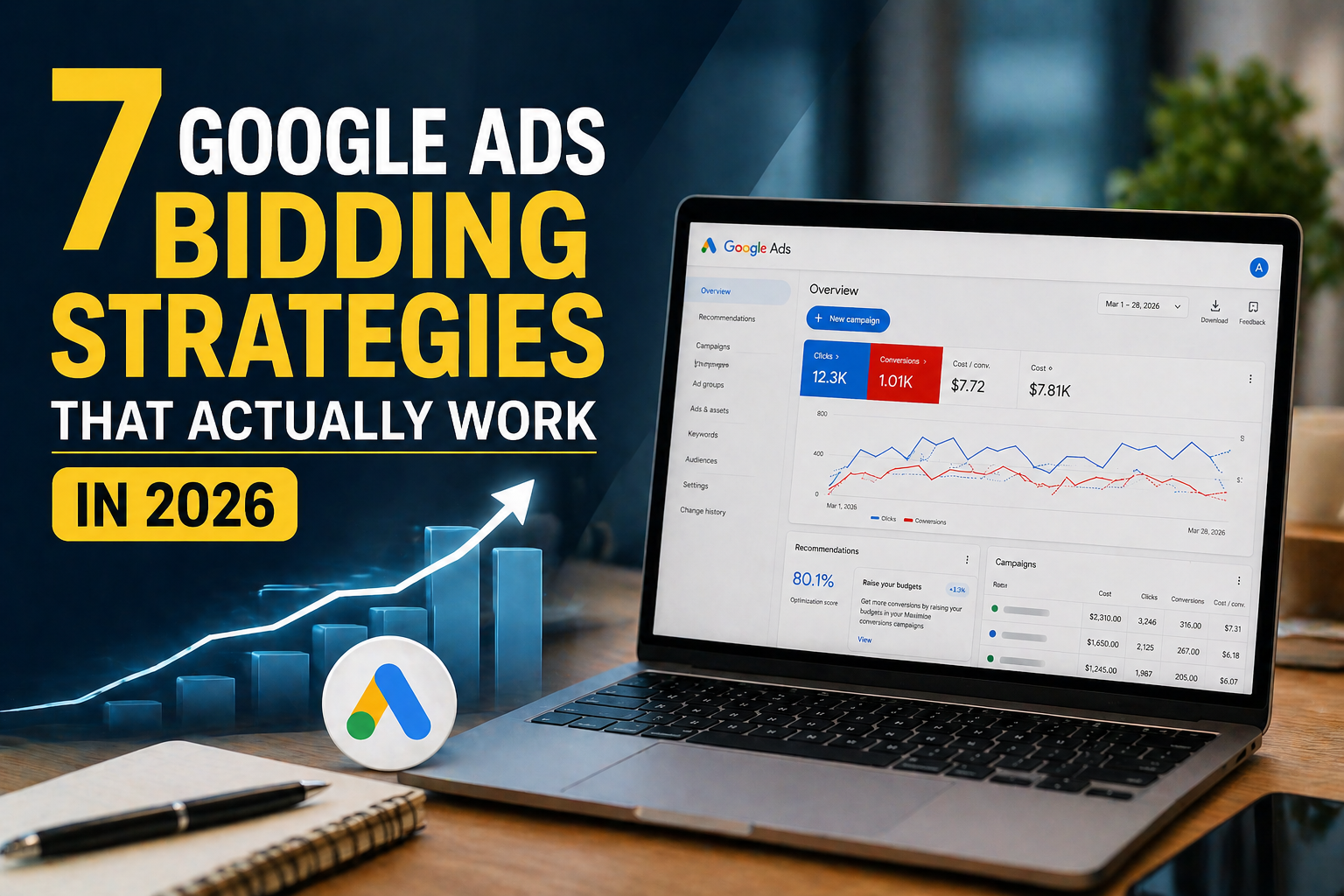
Running Google Ads without a solid Google Ads Bidding Strategies is like throwing money into a fire and hoping it comes back as a pizza. You put in the budget. You write the ads. But if your bids aren’t set up correctly, Google’s algorithm simply won’t work in your favour. And that means fewer clicks, fewer leads, and a whole lot of wasted ad spend.
At Marketing Scalers, we’ve managed millions of dollars in ad spend across performance-based campaigns. One thing we know for sure — your Google Ads bid strategy is the engine behind everything. It decides when your ad shows up, who sees it, and what you pay for it.
So whether you’re a small business owner running your first campaign or a marketing manager trying to squeeze more ROI, this guide breaks down the 7 best Google Ads bidding strategies. Let’s go.
What Is a Google Ads Bidding Strategy?
Think of Google Ads like an auction at school. Every time someone searches on Google, advertisers “bid” to show their ad. Google then picks winners based on two things: how much you bid and how good your ad is.
A bidding strategy tells Google how to place those bids — automatically or manually — and what goal you’re chasing. Are you trying to get clicks? Conversions? More people to see your brand? Your goal shapes your strategy. And your strategy shapes your results.
The 7 Best Google Ads Bidding Strategies
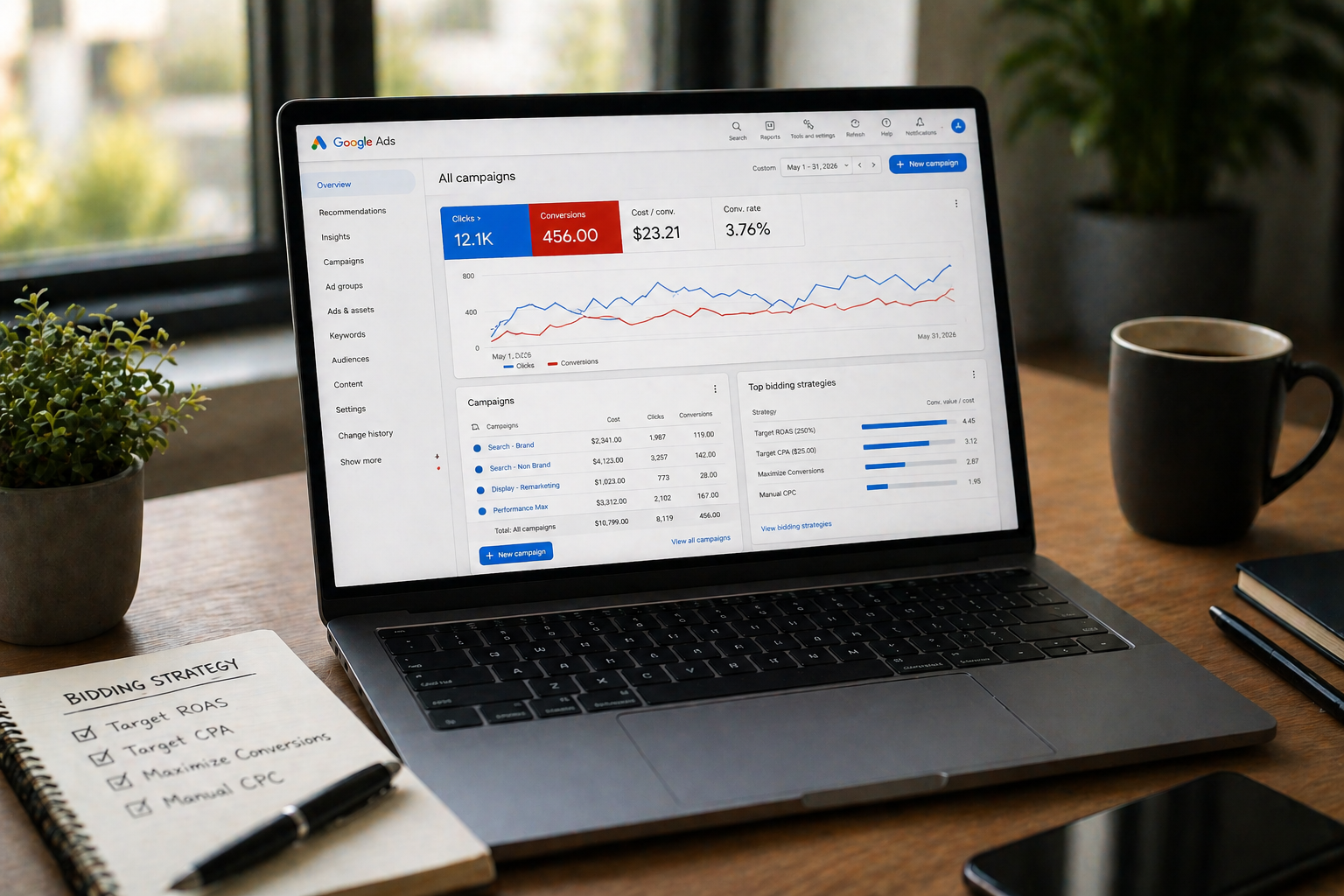
Tip 1: Start With Manual CPC When You’re New
When you’re just getting started and don’t have much data yet, Manual CPC (Cost Per Click) gives you full control. You set how much you’re willing to pay for each click — keyword by keyword.
It’s slow. It’s hands-on. But it teaches you what’s actually working before you hand the wheel over to Google’s AI.
- Real Talk: At Marketing Scalers, we often start new clients on Manual CPC for the first 30–45 days just to collect clean data. Once we see what converts, we switch to smarter strategies.
- Best for: New accounts, tight budgets, and campaigns with limited historical data.
Tip 2: Use Target CPA to Control Your Lead Costs
Once you have at least 30 conversions in a month, Target CPA (Cost Per Acquisition) becomes your best friend. You tell Google: “I want to pay $X for each lead.” Google’s AI then adjusts bids automatically across every auction to hit that number.
It’s like hiring a really smart bidding assistant who works 24/7 and never sleeps.
| What You Set | What Google Does |
|---|---|
| Your target cost per lead | Adjusts bids in real time |
| Conversion tracking data | Learns who converts best |
| Campaign budget | Spends within your limit |
- Best for: Service businesses, lead-gen campaigns, SaaS companies.
Tip 3: Use Target ROAS If You Sell Products Online
If you run an e-commerce store, Target ROAS (Return on Ad Spend) is built for you. You tell Google: “For every $1 I spend, I want $5 back.”
Google then focuses your bids on users who are most likely to buy — and buy at a higher value.
Think of it like a vending machine. You put in a dollar and tell the machine you only want snacks worth $5 or more. It figures out which button to press.
- Best for: Online stores, product-based businesses, Performance Max campaigns.
- Warning: Don’t set an unrealistic ROAS target. If your average is 200%, don’t suddenly demand 600%. Google’s AI needs room to learn. Start close to your actual historical performance.
Tip 4: Use Maximize Conversions to Speed Things Up
When you launch a new campaign and need data fast, Maximize Conversions tells Google: “Spend my full budget and get me as many conversions as possible.” No target. No limit on cost per lead. Just volume.
This is ideal for warming up a new campaign before moving to Target CPA or Target ROAS. Think of it as the on-ramp before the highway.
| Strategy | When to Use | Risk Level |
|---|---|---|
| Maximize Conversions | New campaigns, data gathering | Medium |
| Target CPA | After 30+ conversions/month | Low |
| Target ROAS | Product-based, revenue focus | Medium |
| Manual CPC | Beginners, full control | Low |
- Best for: New campaigns, product launches, early testing phases.
Tip 5: Try Target Impression Share for Brand Domination
Want your ad to show up every time someone searches your brand name — or even a competitor’s? Target Impression Share does exactly that.
You set a goal like: “I want my ad to appear at the top of the page 80% of the time.” Google adjusts bids to hit that visibility target. It’s not about cheap clicks. It’s about being seen.
- Best for: Brand keyword campaigns, competitive markets, high-visibility goals.
- Pro Tip from Marketing Scalers: Always run brand campaigns separately using Target Impression Share. If you mix them with regular acquisition campaigns, your brand traffic will eat your acquisition budget quietly — and you won’t even notice.
Tip 6: Set Up Conversion Tracking Before You Pick Any Strategy
Here’s the truth most blogs skip: none of these strategies work well if your conversion tracking is broken.
Google’s AI learns from the signals you send it. If your tracking is off — measuring the wrong events, missing conversions, or counting duplicates — the algorithm optimizes toward the wrong outcomes. It’s like training a puppy with the wrong treats. You’ll get behavior, just not the behavior you wanted.
Conversion Tracking Checklist:
| Action | Status to Check |
|---|---|
| Install Google Ads conversion tag | ✅ Active & Firing |
| Track form submissions | ✅ Not duplicated |
| Track phone calls | ✅ Unique calls only |
| Track purchases (e-commerce) | ✅ Revenue values included |
| Connect Google Analytics 4 | ✅ For behavioral backup |
Before you touch your bid strategy, verify your tracking. Everything depends on it.
Tip 7: Don’t Rush the Learning Phase
When you switch a bidding strategy — or launch a new campaign — Google enters what’s called a “learning phase.” This is when the algorithm tests different bid combinations to figure out what works.
During this phase, performance can look weird. Costs go up. Conversions drop. CPCs fluctuate. This is normal. And if you panic and make changes too quickly, you reset the learning phase — which means the algorithm starts over and you wait even longer.
How long does the learning phase last?
| Account Situation | Typical Learning Phase |
|---|---|
| High traffic, many conversions | 5–7 days |
| Medium traffic | 1–2 weeks |
| Low traffic, few conversions | 2–4 weeks |
| After major bid strategy change | Restarts from day 1 |
- The golden rule: Make one change at a time. Give it time. Then evaluate.
Quick Comparison: Which Bidding Strategy Is Right for You?
| Your Goal | Best Google Ads Bid Strategy |
|---|---|
| Get more website traffic | Maximize Clicks or Manual CPC |
| Generate affordable leads | Target CPA |
| Increase e-commerce revenue | Target ROAS |
| Get data fast | Maximize Conversions |
| Stay visible at top of search | Target Impression Share |
| Build brand awareness on YouTube | CPM (Cost Per Thousand Impressions) |
Final Thoughts
There’s no one-size-fits-all answer here. The best Google Ads bidding strategy depends on where you are in your campaign journey, how much conversion data you have, and what you’re actually trying to achieve.
The biggest mistake advertisers make? Jumping to smart bidding before they have the data to support it — or switching strategies every week because the numbers look scary. Smart bidding works. But it only works when you feed it clean data, give it time to learn, and align your targets with reality.
At Marketing Scalers, we don’t guess. We build performance-based campaigns grounded in real data, smart structure, and bidding strategies that are designed to scale — not just spend. If your Google Ads campaigns feel like a money pit instead of a growth engine, it might be time to take a fresh look at how you’re bidding.